Drill vs Impact Driver: What's the Difference and Which Do You Need First?
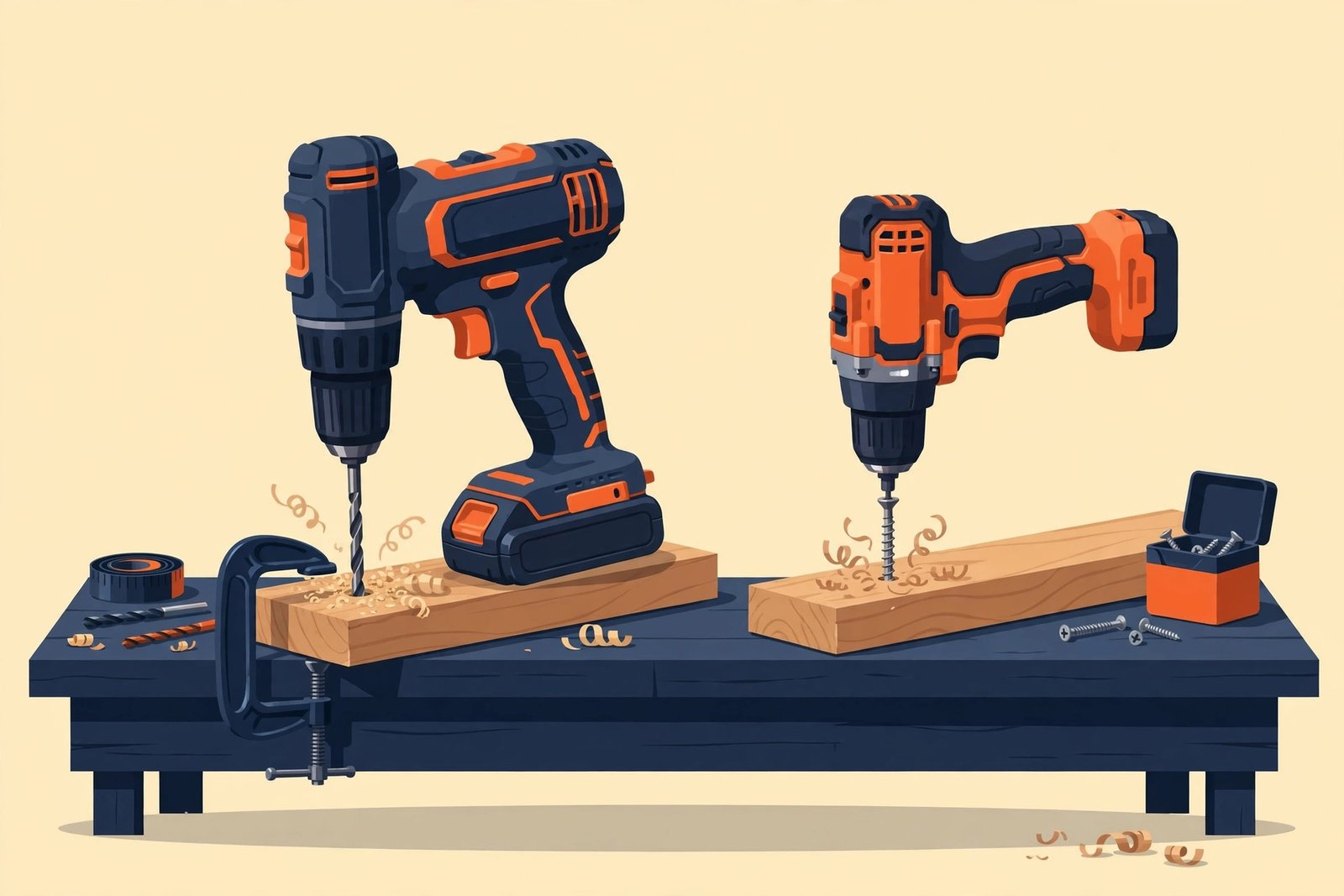
Quick answer: If you buy one tool first, buy the drill/driver. It drills holes and drives most screws. Add an impact driver later if you regularly drive long screws — for decks, fences, shelving, or framing.
What a drill/driver does
A drill/driver (usually just called a "drill") does two jobs: it drills holes, and it drives screws with a clutch that stops at a set torque. The clutch is the key feature for beginners — it prevents you from stripping screws or driving them too deep into soft material like drywall or pine.
Typical drill/driver specs to understand:
- Chuck: the part that grips the bit. Most cordless drills use a 1/2-inch (13 mm) keyless chuck that accepts round-shank drill bits and hex-shank screwdriver bits.
- Clutch settings: the numbered ring behind the chuck. Low numbers = low torque for small screws; drill mode (often a drill-bit icon) = full power for drilling.
- Speeds: usually 2 gears — low speed for high torque (driving big screws), high speed for drilling holes fast.
What an impact driver does
An impact driver only drives fasteners — it does not drill holes well. Inside, a spring-loaded hammer strikes the rotating anvil in rapid bursts, producing very high rotational force (torque) with almost no kickback to your wrist. That is why it can drive a 3-inch deck screw into hardwood without straining, while a drill would stall or twist in your hand.
- Drive: a 1/4-inch hex chuck that takes impact-rated hex bits directly. It does not accept round drill bits without an adapter.
- No clutch: an impact driver has no torque clutch. You control depth by trigger feel — one reason beginners can overdrive screws with it.
- Noise: the hammering mechanism is loud. Ear protection is sensible for long sessions.
Drill vs impact driver: side by side
| Drill / Driver | Impact Driver | |
|---|---|---|
| Main job | Drilling holes + driving screws | Driving screws and bolts |
| Torque | Moderate (typically 300–700 in-lbs) | Very high (typically 1,200–2,000+ in-lbs) |
| Chuck | 1/2-inch keyless, takes round + hex bits | 1/4-inch hex, impact-rated bits only |
| Clutch | Yes — prevents overdriving | No — trigger control only |
| Best for | Holes in wood, metal, plastic; everyday screws | Long screws, lag bolts, deck/fence work |
| Wrist strain | Noticeable on tough screws | Very low — the hammer does the work |
| Noise | Moderate | Loud, rapid hammering |
Which do you need first?
Buy the drill first. A drill handles the two jobs beginners do most: making holes and driving everyday screws (furniture assembly, curtain rods, shelf brackets, cabinet hardware). An impact driver cannot replace a drill because it drills holes poorly and has no clutch.
Add an impact driver when you start driving long screws regularly — building a deck, a fence, wall framing, or a shed. At that point the drill will feel slow and strained, and the impact driver will feel like a different world.
Drill/driver — pros
- Drills holes and drives screws
- Clutch protects screws and material
- Quieter, easier to control
Drill/driver — cons
- Struggles with long screws in hardwood
- More wrist strain on tough fasteners
Impact driver — pros
- Massive torque, almost no kickback
- Drives long screws fast
- Compact head fits tight spaces
Impact driver — cons
- Cannot drill holes well
- No clutch — easy to overdrive
- Loud
The combo kit shortcut
If you know you will do deck or framing work soon, a drill + impact driver combo kit is usually the best value: two tools, two batteries, one charger, one bag — for not much more than a single premium drill. Check the kit's battery sizes before buying: two 2.0 Ah batteries is the minimum that makes sense; a kit with one small battery will leave you waiting on the charger.
Combo kits from DeWalt, Milwaukee, Makita, and Ryobi are widely available at major retailers. Before buying, compare what the kit includes: two batteries (2.0 Ah or larger) and a charger are the minimum that makes sense for a beginner.
What to look for in your first drill
- Brushless motor: worth the extra ~$20–40. Brushless motors are more efficient, run longer per charge, and last longer than brushed motors.
- Voltage: for most homeowners, an 18V/20V platform is the sweet spot. 12V tools are lighter and great for indoor assembly, but 18V/20V handles drilling into hardwood, masonry, and metal.
- Battery: at least one 2.0 Ah lithium-ion battery; two batteries is much better so one charges while you work.
- Kit vs bare tool: starting from zero, buy the kit (tool + batteries + charger). Bare tools only make sense once you already own that brand's batteries.
FAQ
Can an impact driver drill holes?
Technically yes with hex-shank drill bits, but poorly: no clutch, high torque, and a fast hammering action make it hard to start holes cleanly and easy to snap small bits. Use a drill for holes.
Can a drill drive deck screws?
Short deck screws, yes. Long structural screws into hardwood will stall most drills and strain your wrist. That is exactly the job an impact driver exists for.
Do I need the same brand for both?
Not strictly, but staying on one battery platform saves real money: every bare tool you add later uses the batteries you already own. That is why choosing a platform matters more than choosing a single tool.
Bottom line
Drill first, impact driver second — unless you already know a deck or framing project is coming, in which case a combo kit is the smart buy. Either way, your bigger decision is the battery platform you buy into: DeWalt 20V MAX, Milwaukee M18, Makita 18V LXT, or Ryobi ONE+ 18V. Our platform comparison is coming next.